.png)

A Better Way to Get Paid
FieldClock is excited to create a better payments experience with the help of Branch. We will now offer the Branch App, a digital bank account and Mastercard debit card*. The digital wallet gives you easy ways to send, spend, and save your money.
And best of all?
With Branch, you will get easier, digital access to your pay.
If you want to learn more about Branch, check out our FAQs below.
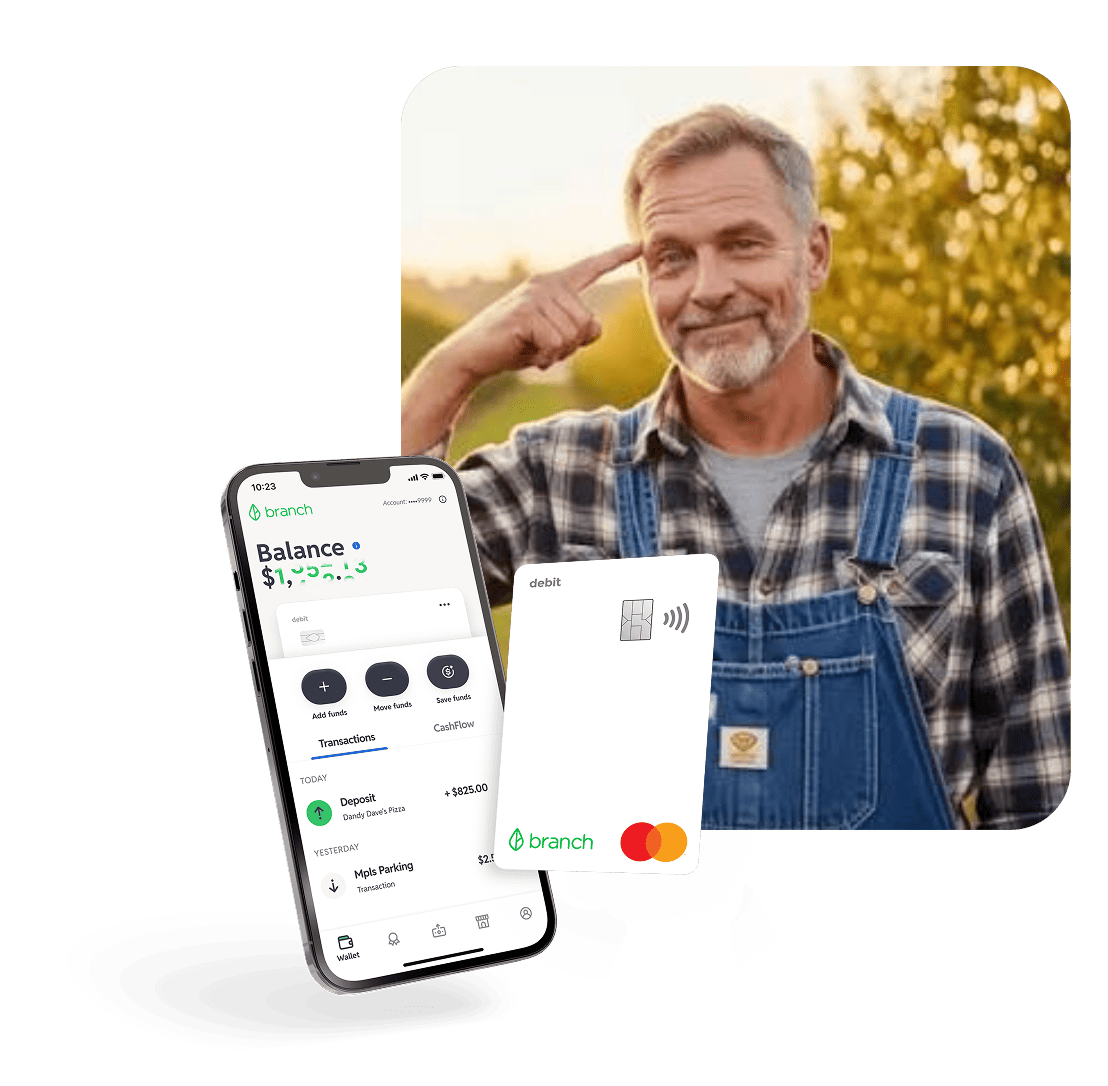

Your money—fast.
With the Branch App, you’ll get access to fast and flexible digital payouts.
After all, it’s your money—you’ve earned it.

Save, spend, or send money directly from your phone

Enable Apple Pay® or Google Wallet™ instantly

Order a free, personalized physical Mastercard business debit card

Earn cashback rewards when spending at participating merchants

Pay bills with your Branch Business Card or with your routing and account number

Use free financial wellness tools, including personalized spending insights and a Savings Goal feature

Discover Greenhouse, a curated marketplace featuring custom financial services tailored to your unique needs

Access 55,000+ Allpoint ATMs for up to 8 free transactions per month**

Send money for free to an external account using a standard ACH transfer or send instantly to another debit card for a small fee
Your money—fast.
With Branch, you'll get fast and easy, digital access to your pay.
After all, it’s your money—you’ve earned it.
Save, spend, and manage your money directly from your phone
Enable Apple Pay® or Google Wallet™ instantly
Order a free, personalized physical Mastercard debit card
Earn cashback rewards when spending at participating merchants

Set your money aside with Branch’s High Yield Savings and receive a competitive rate, paid out monthly
Pay bills with your Branch Card or with your routing and account number where eligible
Use free financial wellness tools, including personalized spending insights and a Savings Goal feature
Discover Greenhouse, a curated marketplace featuring custom financial services tailored to your unique needs
Access 55,000+ Allpoint ATMs for up to 8 free transactions per month**
Send money for free to an external account using a standard ACH transfer or send instantly to another debit card for a small fee where eligible
How to get started
Note: Avoid downloading Branch outside of this process to prevent potential issues. Please use the email address or phone number associated with FieldClock to open your Branch account.
1
.
Download the Branch App
Be on the lookout for an email with an invite to get started.
2
.
Open Your Branch Account
Agree to the terms and open your Branch account.
3
.
Activate Your Branch Card
Order + activate your personalized Branch Card.
While it may take 8-12 business days for your physical Branch debit card to arrive, you’ll have immediate access to a virtual card via Apple Pay or Google Wallet.


What Our Customers Are Saying
From time and money saved to reduced staff turnover, Branch has made an impact for businesses of all sizes.
Common Questions
Looking for more help?
For any additional questions, please visit the Branch support center.
What is Branch?
Branch is a dynamic financial technology company that works with a partner bank to provide secure and innovative banking services, including a digital bank account and debit card*. We’ve partnered with Branch to give you easier, digital access to your pay.
Spend funds from your Branch account with your virtual card, which can connect to Apple Pay / Google Wallet and be used for online purchases, or through the physical Mastercard debit card. You can also send funds using your account and routing number or transfer your payouts from your Branch account to another bank account for free via ACH or to a debit card for a small fee where eligible.
How do I sign up for a Branch paycard?
Be on the lookout for an email with an invite to get started.
How do I order a physical Branch debit card?
You can order your personalized debit card by tapping Order Card once you completed your registration. The card should arrive at your home address within 8-12 business days. While you wait for the physical card to arrive you can use your card digitally with Apple Pay or Google Wallet.
How do I add my debit card to Apple Pay or Google Wallet?
Adding your Branch debit card to Apple or Google Wallet will allow you to make contactless purchases using your phone. To enable this feature, tap the 3 dots on the top right corner of the card displayed to open the Card Controls menu, then tap Add to Apple Pay or Add to Google Wallet. Follow the instructions from there and verify using the phone number on your account.
Can I add other deposits to my Branch account?
Yes. Your Branch account is a bank account, so you can set up direct deposits from other companies using your account and routing number which are displayed in the app after signing up.
How do I pay a bill using my Branch account?
You can pay your bills online by providing your Branch debit card number to your biller. If your biller does not support getting paid via debit card, then you may provide your Branch account and routing number to them where eligible.
How do Rewards work?
Earn cashback rewards on everyday spending with your Branch debit card at participating merchants ranging from local restaurants to online retailers. You’ll automatically collect cashback rewards after every purchase. Watch your savings pile up month-long and your rewards will be redeemed to your account at the end of each month. Go to the Rewards tab in the Branch App to find participating merchants and retailers.
What is Savings Goal?
With Savings Goal, Branch users can set aside funds for a specific goal and track their progress toward achieving it. Start taking control of your financial future: put your hard-earned cash toward an emergency fund, a vacation, or whatever else your heart desires. Move money based on your preferred schedule: automate transfers between your primary balance and your Savings Goal with auto-contributions or manually contribute to your goal whenever it works for you.
What is Greenhouse?
Greenhouse is a curated marketplace powered by MoneyLion where you can browse financial products and services tailored to meet your unique financial needs. From personal loans to high-yield savings accounts, you’ll be able to find fresh ways to make the most out of your money.
Get started with Greenhouse:
- Go to the Greenhouse tab in the Branch App to browse the latest financial products and services
- Click the product you’re interested in, whether it be a savings account, personal loan, or refinancing options
- Review the information provided by Branch
- Continue to an external platform to provide basic information and review your selection.
New financial products and services will populate on an ongoing basis, so be sure to check back in to see what’s new.
Which ATMs can I use for free?
Branch provides access to 8 free ATM transactions per month at 55,000+ ATMs in the Allpoint Network. A $2 fee will apply per ATM transaction after 8 transactions until the next month.
Allpoint ATMs are conveniently found in popular retailers—places you already know, love and shop every day. You can find your closest Allpoint ATM through the Move Funds menu in the app, or by clicking here.
How do I transfer funds from my Branch account to an external account?
Click the Move Funds option in the Branch App to transfer funds from Branch to an external account with a small fee where eligible by selecting the Debit card option, or you can transfer funds for free using the Another bank option. Free transfers process via ACH and take 3-5 business days.
What happens if I lose my Branch Card?
If you believe your card is lost or stolen, we urge you to first lock the card. Open your Branch App, tap the 3 dots on the upper right corner of the white debit card and tap Lock Card. From there, you can select to order a replacement card. A new personalized card will be shipped to your home address within 8-12 business days.
*Branch is not a bank. Banking services provided by Evolve Bank & Trust, Member FDIC. FDIC insurance only applies for eligible accounts should the bank holding your funds fail. The Branch Mastercard Debit Card is issued by Evolve Bank & Trust pursuant to a license from Mastercard and may be used everywhere Mastercard debit cards are accepted.
**A $2 fee will apply per Allpoint ATM transaction after 8 transactions until the next month.